Microsoft Teams Rooms (MTR) Solutions

Discover the advantages of Microsoft Teams when we transform your meeting rooms into high-quality video collaboration hubs

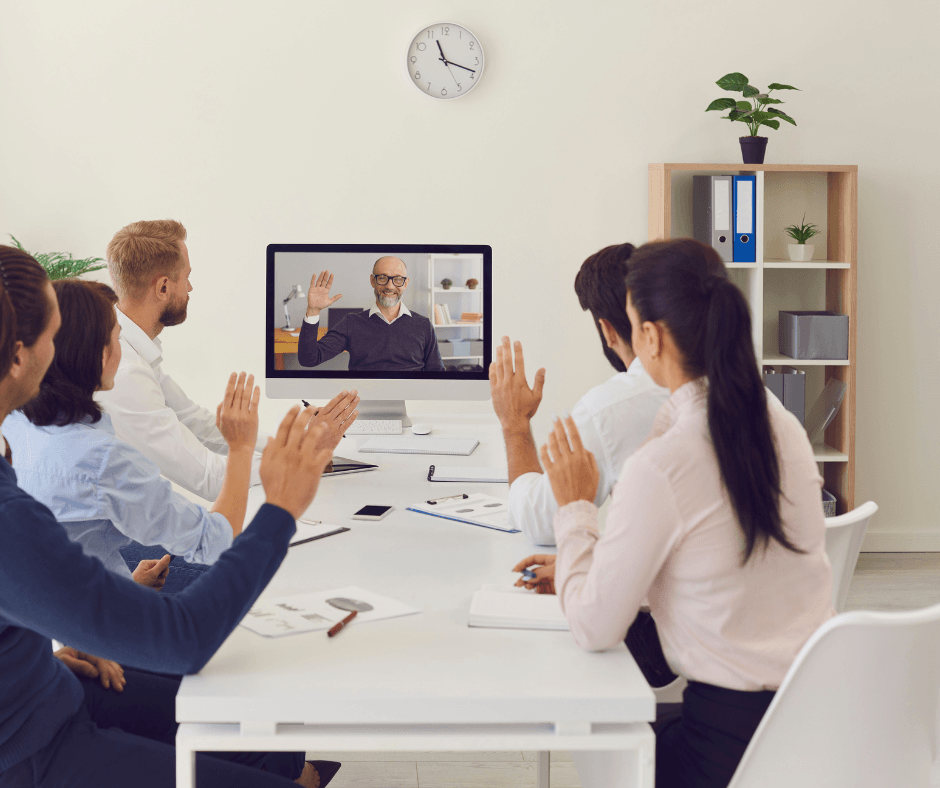
Simple to use, flexible, and highly interactive, Microsoft Teams Rooms (MTRs) allow your entire team to contribute to the conversation – wherever they’re dialling in from.

As a Microsoft Solutions Partner, Connect NZ is best placed to help your business deploy a high tech Microsoft Teams Room and leverage the advanced functionality. To become a Partner, businesses need to demonstrate an excellent record of successful customer solution deployments and have skilled and certified Microsoft Solutions members within their teams.

Connect NZ is proud to have earned this recognition, and to be able to deliver this level of quality for our customers.

Our certified Microsoft Teams Room solutions
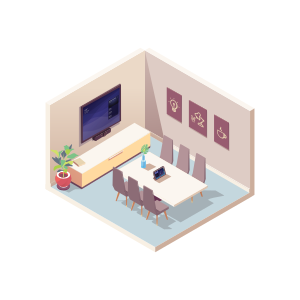
An isometric, low-poly illustration of a modern, professional small conference or meeting room. The room is minimalist with light walls and a blue-grey floor. A long, light-colored table is surrounded by six purple-grey chairs. On the far wall, a large display screen is mounted above a long, light-yellow cabinet. To the left of the cabinet, a potted plant sits on the floor. On the adjacent wall, there are four framed illustrations depicting a lightbulb, a chat bubble, a handshake, and a coffee cup, representing common meeting concepts.

Small Microsoft rooms

Small Microsoft rooms with a six person capacity limit. Ideal for huddles.
Small Microsoft Meeting Rooms
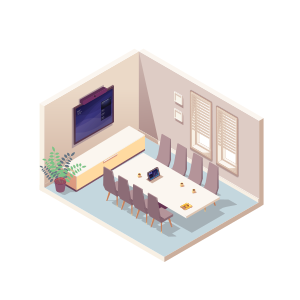
An isometric, low-poly illustration of a modern, professional medium-sized board or conference room. The room has light walls, a blue-grey floor, and a long, light-colored table surrounded by eight purple-grey chairs. On the back wall, a large display screen is mounted above a long, light-yellow cabinet, and a potted plant sits on the floor to the left. On the side wall, there are two windows with closed white blinds and two small framed artworks hanging above them. On the table, there is a small device, likely a touch panel controller, and a laptop.

Medium Microsoft rooms

Medium Microsoft rooms with a ten-person capacity limit. The perfect solution for in-person team meetings.
Medium Microsoft Meeting Rooms
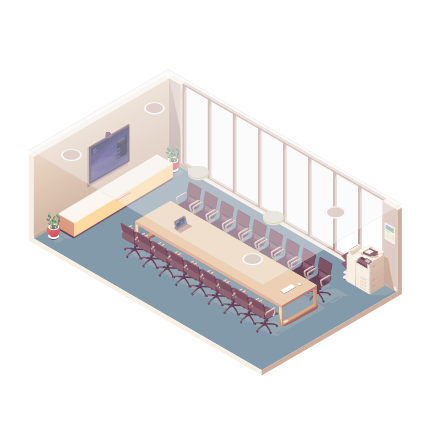
An isometric, low-poly illustration of a modern, professional large boardroom or training room. The room features a very long, light-colored table surrounded by eighteen maroon office chairs on castors. The floor is covered with a blue-grey carpet. The side wall is dominated by a large, floor-to-ceiling glass partition or window. On the back wall, a large display screen is mounted above a long, light-yellow cabinet, with a potted plant on the floor to the left. On the right, near the end of the table, there is a standing copier or multi-function printer. Two circular lights are visible on the ceiling, and a laptop is on the table.

Large Microsoft rooms

Large Microsoft meeting rooms are designed for group sizes of fifteen or under. The best solution for collaboration at scale.
Large Microsoft Meeting Rooms
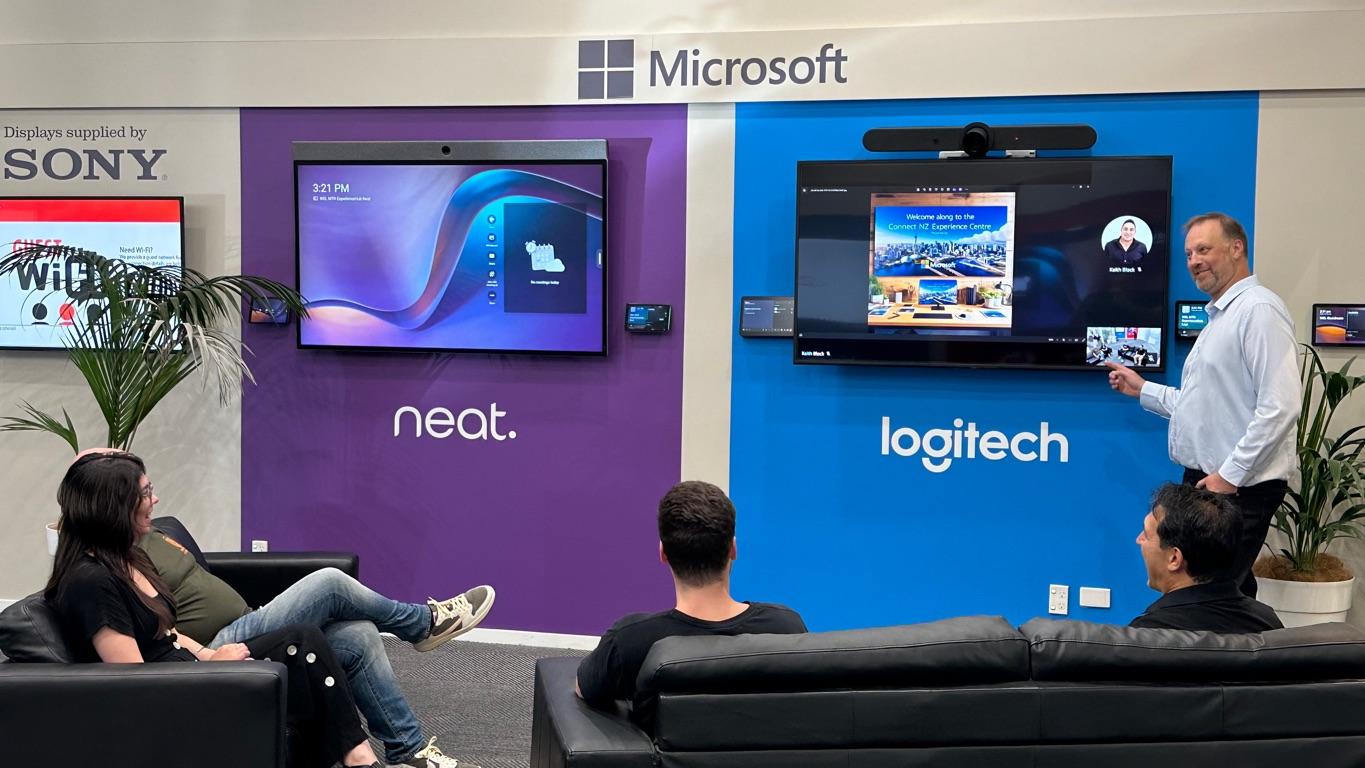
A Wellington Showroom featuring two large video conferencing display setups side-by-side, mounted on a wall painted purple on the left and blue on the right, under a large Microsoft logo. The left screen displays a Neat interface, and the right screen displays a Logitech interface with a Logitech video bar mounted above it. Both walls are labeled with the brand names Neat and Logitech, respectively. In the foreground, three people are seated on black leather couches, observing the screens. A standing man is pointing at the Logitech display, which shows a video call and a slide presentation. A sign to the far left indicates the displays are supplied by Sony.

Welcome to the Wellington Showroom

Book an obligation-free meeting to join us at our Wellington Showroom, located at 97-101 Adelaide Road, for a focused exploration of Microsoft Teams Rooms, the forefront of meeting room innovation. The Showroom is your gateway to experiencing how Microsoft Teams Rooms transform collaborative workspaces, seamlessly integrating the digital with the physical for unparalleled hybrid meeting experiences.

Witness first-hand our expertly designed Microsoft Teams Rooms setups (including our Wellington Signature Teams Room), and receive live demonstrations of the seamless integration between hardware and software that Microsoft Teams Rooms facilitate, right in the heart of Wellington.

Trusted by leading brands locally and internationally, Connect NZ delivers meeting room technology that inspires action, connection, and progressive thinking.

Why choose Microsoft Teams Rooms?

Highly interactive

Featuring collaborative whiteboarding, wireless content sharing, and more, MTRs are made for co-creation. And with high-quality audio and visuals, everyone will feel like they’re in the same room.

User-friendly experience

One-touch join, voice assistance, calendar integrations, and an intuitive user experience all make MTRs simple to learn and easy to use.

Flexible options

MTRs are suitable for spaces of any size – from huddle rooms, to conference rooms. Participants can also connect across multiple kinds of devices, and join from other meeting providers.

Safe and secure

MTR software and services are designed with high security and proactive updates in mind. Plus the Teams admin centre makes it easy to securely manage and monitor devices from one place.

Highly interactive

User-friendly experience

Flexible options

Safe and secure

With Our 3D Fly Through You Can Choose the Microsoft Teams Room Solution That's Right For You

Microsoft Teams Rooms (MTR) Solutions We Offer

Microsoft Teams Rooms

As one of the New Zealand’s leading Modern Workplace providers, our Microsoft Teams Rooms (MTRs) solutions drive collaboration. Whether you need a system suitable for small, medium or large rooms, we ensure that users can join meetings, share content and collaborate with ease.
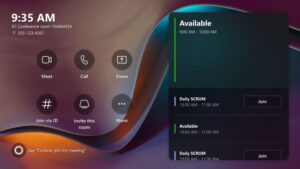
A close-up screenshot of a Microsoft Teams Room interface or control console display. The screen shows the time, 9:35 AM, and the room's contact information. On the left, there are six circular icons for control actions: Meet, Call, Share, Join via ID, Invite this room, and More. The right side of the screen shows the schedule, indicating the room is Available from 9:00 AM to 10:00 AM, followed by a Daily SCRUM meeting from 10:00 AM to 11:00 AM, and another Available slot, each with a Join button for scheduled meetings. The bottom left corner shows an orange light with the prompt Say Cortana, join my meeting.

Huddle Rooms

Huddle spaces are great for small groups. They offer simple connectivity and often include a single display and a video bar.
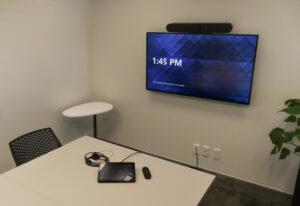
A small, modern corporate meeting room equipped with videoconferencing technology. A large wall-mounted monitor displays the time, 1:45 PM, and features an integrated soundbar and camera unit installed above it. On the white conference table are a touch-screen controller tablet, a remote, and a wired headset, all ready for use.

Conference Rooms

A larger meeting space, the conference room can include additional displays, high quality microphones and speakers for enhanced clarity.
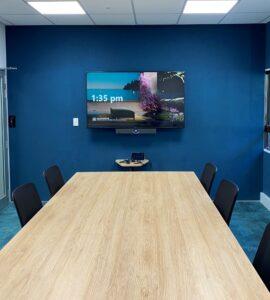
A modern meeting room featuring a large rectangular wooden table surrounded by black office chairs. The back wall is painted a striking navy blue. A large flat-screen monitor is mounted on the blue wall, displaying the time 1:35 PM over a scenic background image. A small conferencing appliance with a camera is positioned directly below the monitor, and a touch-screen controller tablet rests on a small, elevated stand on the table.

Boardrooms

Large spaces and boardrooms equipped with PTZ cameras, table or ceiling-mounted microphones to create a premium video and audio experience.
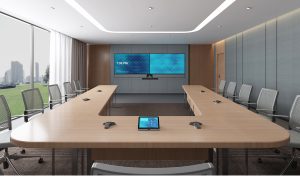
high-end, professionally rendered modern board room designed for executive meetings. The expansive U-shaped light-wood conference table is surrounded by mesh-back grey office chairs. The far wall features twin, side-by-side display monitors above a centralized conferencing unit, with the time 7:30 PM visible. The room has sophisticated lighting in a dropped ceiling and a large window providing an external view of a city landscape. Several desk microphones are flush-mounted into the table, and a control tablet is centered on the table.

Microsoft Teams resources

Hosting the Ultimate Hybrid Meeting with Connect NZ

Hybrid meetings have emerged as a powerful solution to bridge the gap between in-person and virtual interactions, but this have come with its own share of issues. As a technology provider for over 30 years, we’ve come across all the pain points businesses face when conducting hybrid meetings. That's why our team has put together this troubleshooting blog to help simplify your hybrid meeting journey.
Successful Modern Workplace Technology Implementations

Modern Workplace Technology is increasingly important in today’s hybrid, global working environments. No matter whether your team or clients are working from home, the office, or located in another country, borderless meeting room technology is a necessary part of the professional working day. In this article we dive into 5 key considerations for your next Modern Workplace Technology implementation.

Some of our partners

Neat logo
Logitech logo
Logos of HP and Poly
Yealink logo
biamp logo
Q-SYS certified logo
Sharp logo

Our customers are also interested in….
How can Microsoft Teams Rooms level-up your workspaces?

Book a free 20 minute demo with our expert team, and find out how we can turn your meeting rooms into hives of connectivity.